Guides
Getting started
The quickest way: VS Code extension
Install the Markuplint extension from the Visual Studio Marketplace, or search "markuplint" in the VS Code extensions panel.
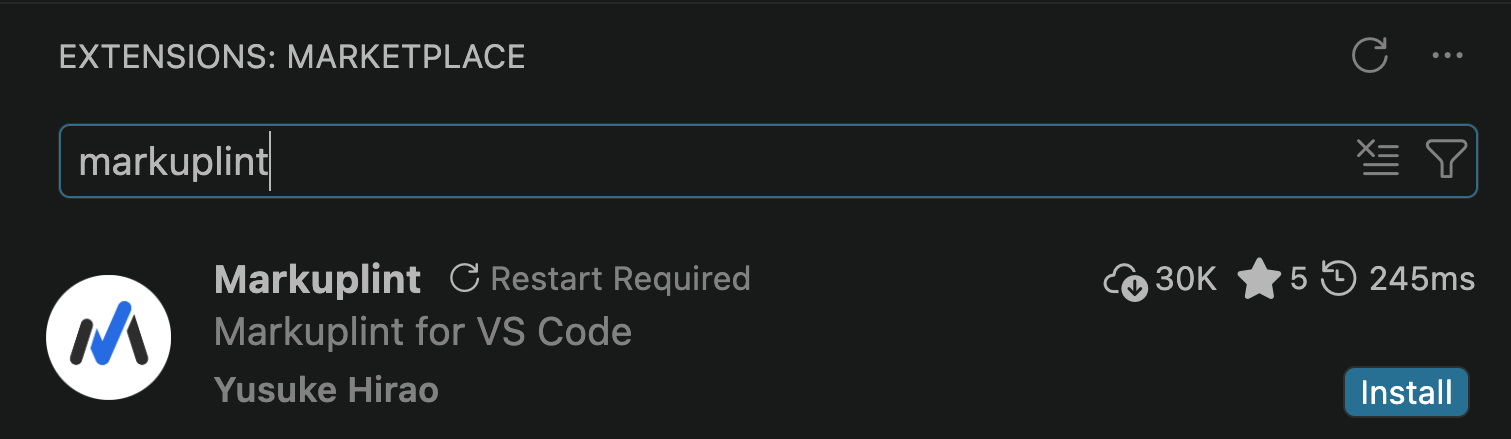
That's it. Open any HTML file and Markuplint starts checking in real time — no installation, no configuration file needed. It applies the recommended preset by default.
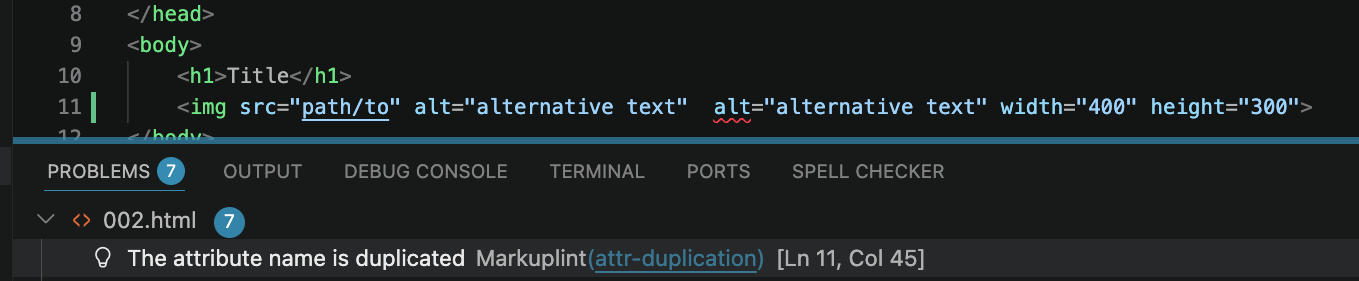
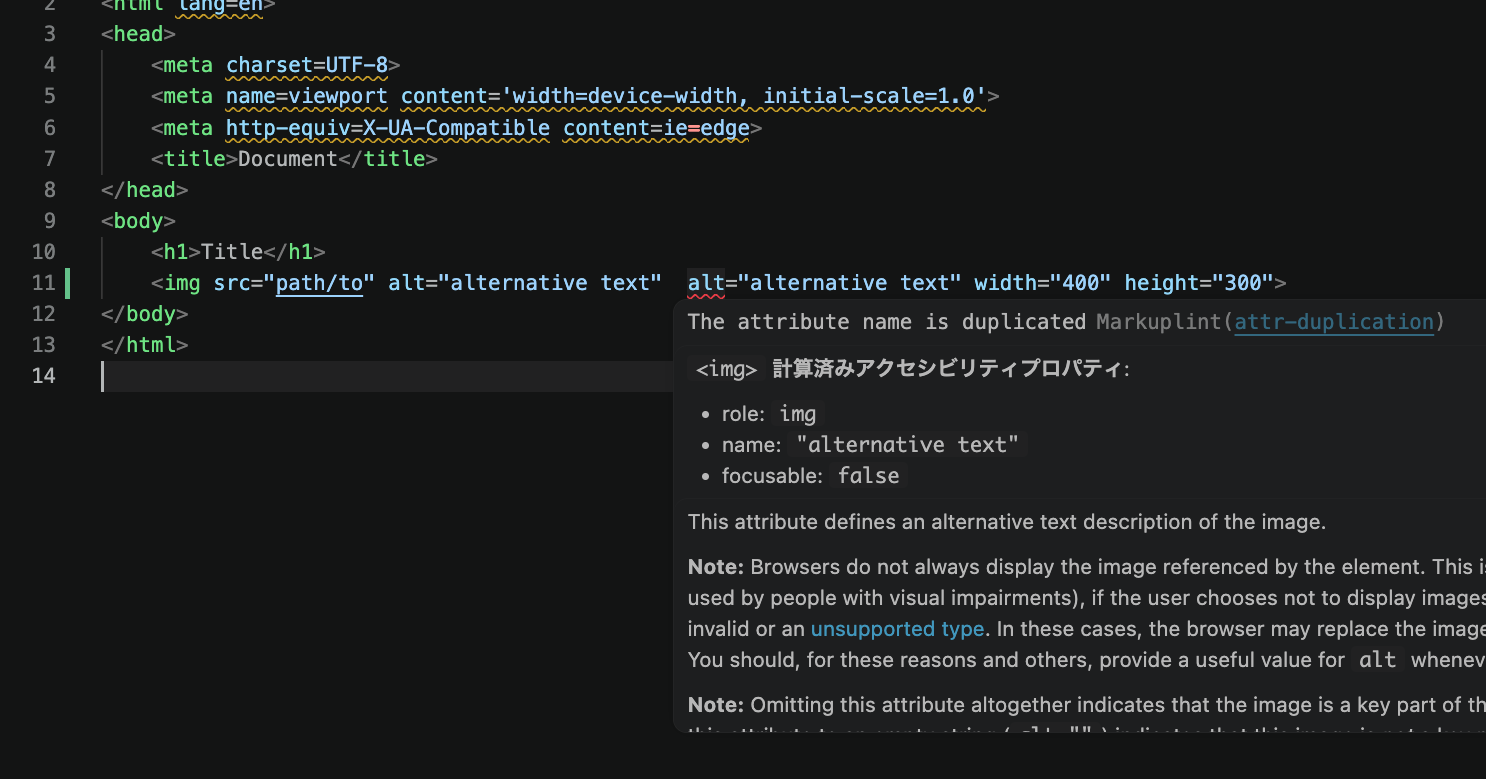
Hover over a warning to see the rule name and details. Click the rule name to jump to its documentation.
Using with a framework (React, Vue, etc.)
If your project uses JSX, Vue, Svelte, or other template syntaxes, you need to install Markuplint and a parser plugin into your project:
- npm
- Yarn
- pnpm
- Bun
npm install -D markuplint @markuplint/jsx-parser @markuplint/react-spec
yarn add --dev markuplint @markuplint/jsx-parser @markuplint/react-spec
pnpm add -D markuplint @markuplint/jsx-parser @markuplint/react-spec
bun add --dev markuplint @markuplint/jsx-parser @markuplint/react-spec
Then create a configuration file (.markuplintrc) in your project root:
{
  "extends": ["markuplint:recommended-react"],
  "parser": {
    "\\.jsx$": "@markuplint/jsx-parser"
  },
  "specs": {
    "\\.jsx$": "@markuplint/react-spec"
  }
}
You can also run npx markuplint --init to set this up interactively.
See Beyond HTML for the full list of supported syntaxes and configuration examples.
Using from the command line
If you want to run Markuplint in CI or as an npm script, install it into your project:
- npm
- Yarn
- pnpm
- Bun
npm install -D markuplint
yarn add --dev markuplint
pnpm add -D markuplint
bun add --dev markuplint
Add a script to package.json:
{
  "scripts": {
    "lint:html": "markuplint \"**/*.html\""
  }
}
- npm
- Yarn
- pnpm
- Bun
npm run lint:html
yarn lint:html
pnpm run lint:html
bun run lint:html
The recommended preset is applied automatically when no configuration file is found.
The required spec
- Node.js v24.0.0 or later
Next steps
- Using Presets — Choose the right preset for your project and customize which rules are enabled
- Applying Rules — Fine-tune individual rules and apply different settings to specific elements
- Beyond HTML — Set up parsers for JSX, Vue, Svelte, Pug, PHP, and more
- Configuration — Learn about configuration file formats and all available properties